
QR code stickers for cards and gifts: how they work
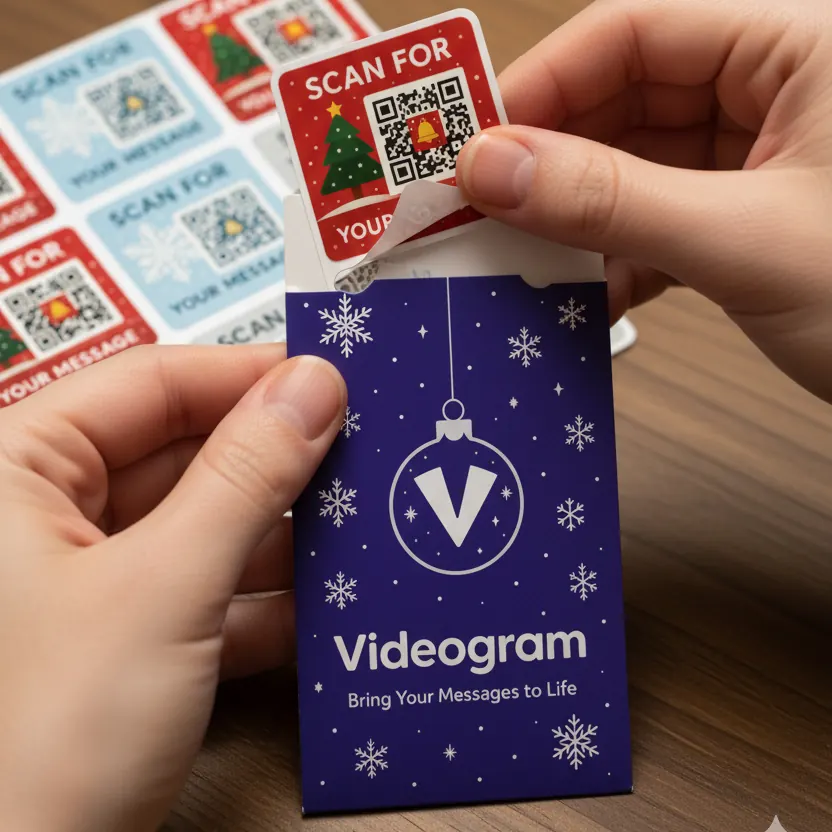
A QR code is a little square pattern your phone camera can read. Videogram puts one on a festive sticker, so a plain card or present can open your personal video message.
How a Videogram sticker works
- Stick it inside a card, on a gift tag or on wrapping paper.
- Scan it with your phone camera and record your message.
- Send the card or gift as normal.
- The recipient scans the same sticker to watch – no app to download.
Scanning tips
- Open the camera app and hold the phone 10–20 cm from the sticker.
- Make sure the code is well lit and flat.
- Tap the link that pops up on screen.
- Older phones may need a QR scanner – most phones from the last few years read QR codes in the camera.
Where to put your sticker
Inside the card next to your handwritten message works beautifully. On presents, a gift tag keeps the code flat and easy to scan. Avoid creased paper or shiny wrap that reflects light.
Which pack should I choose?
A 6-pack suits a handful of special cards. A 24-pack covers the whole Christmas card list, with spares for birthdays through the year.