
How to add a video message to a Christmas card
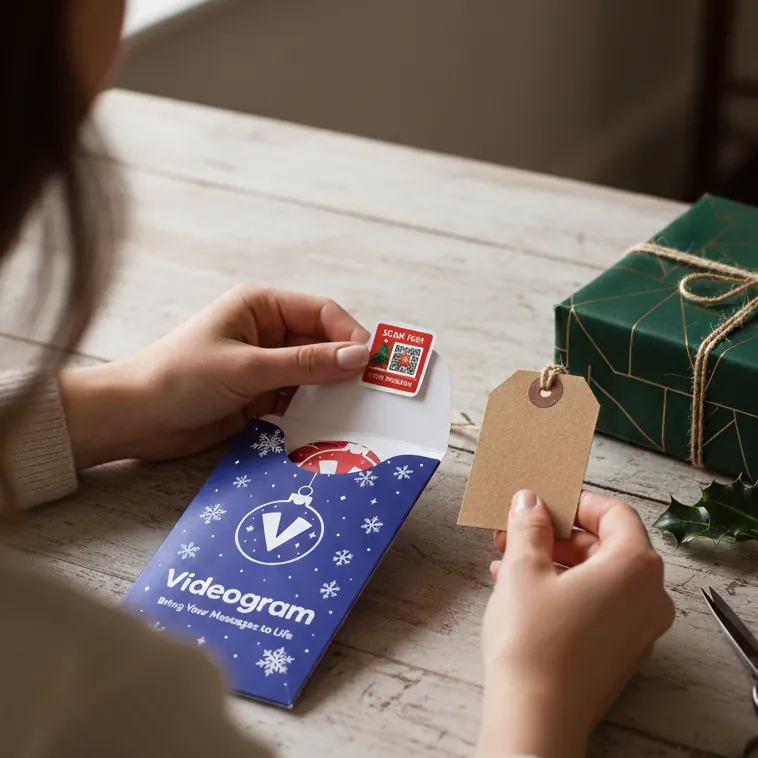
A Christmas card says a lot, but a video says more. With a Videogram sticker, the person opening your card can scan a QR code and see you wish them a merry Christmas – in your own voice.
What you need
- A Christmas card (any card works)
- A Videogram Christmas QR sticker – tree, snowflake or holly design
- A phone with a camera
Step by step
- Write your message in the card as normal.
- Peel off a Videogram sticker and press it inside the card.
- Scan the sticker with your phone camera and record your video message.
- Seal the card and send it. When they scan the sticker, your video plays.
Ideas for your Christmas video
- Get the whole family to shout “Merry Christmas!” together
- Sing a line of their favourite carol
- Share a favourite memory from the year
- Show the kids opening their stockings (record it after and send it in a New Year card)
- Give a little tour of your Christmas tree
Tips for a great video
Keep it short and warm – 30 seconds to a minute is plenty. Film somewhere bright, hold the phone at eye level and speak as if they were in the room with you.